Your Dev Cleaner
BloatBuster — reclaim the disk space your dev projects left behind
Drop a folder. BloatBuster finds every build artifact hiding inside it, sorts them biggest first, and tells you what each one costs to regenerate — a download, or a build. Everything goes to the Trash, and nothing leaves your Mac.
-
Dependency caches
ml-pipeline 4.2 GB
Back with uv sync — a download, not a build
-
Build outputs
render-engine 8.4 GB
Back with cargo build — costs you a compile
-
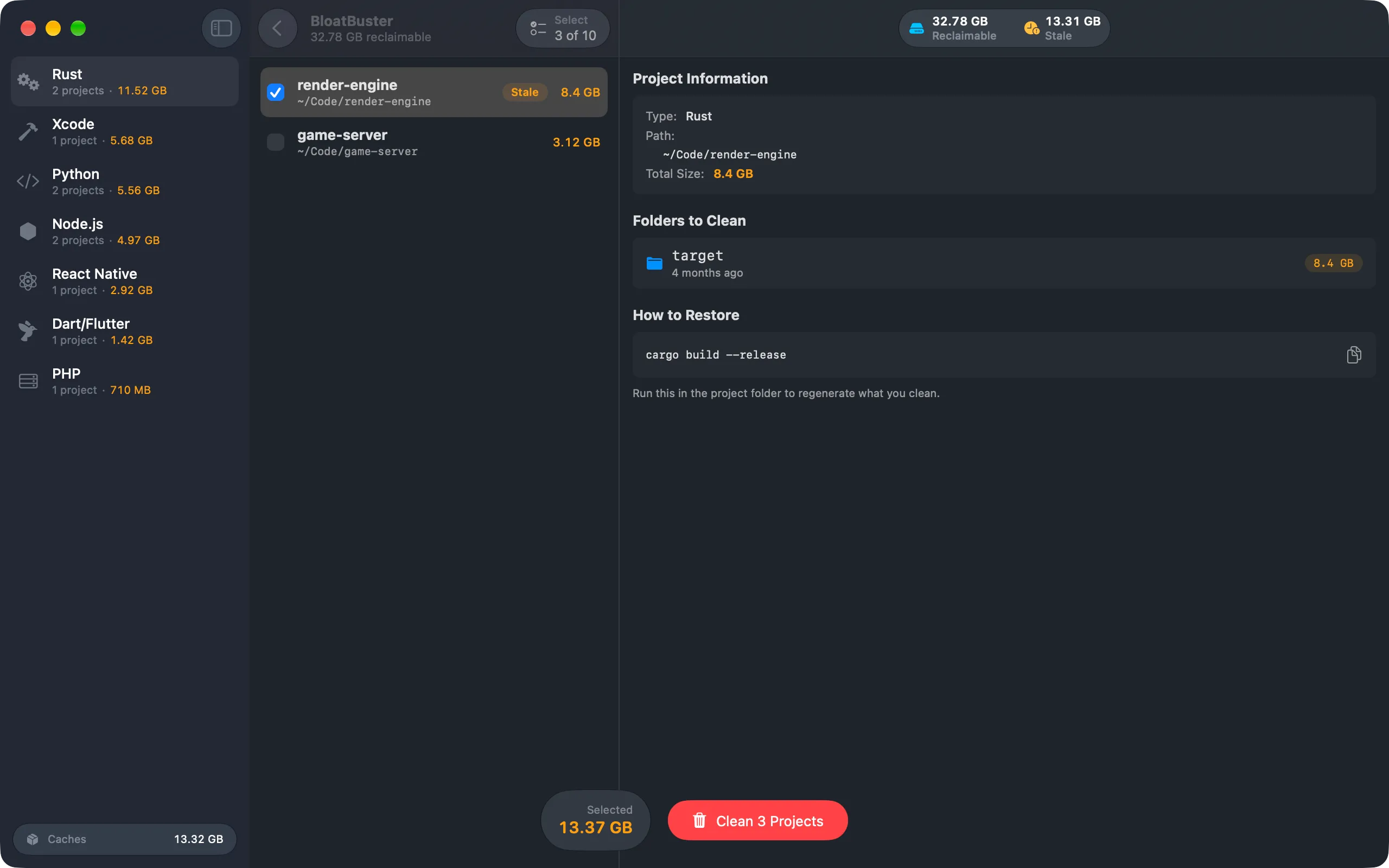
Stale, 90+ days
13.31 GB of 32.78 GB
Flagged after 90 days untouched — the easy win
01 · The problem
Every folder is big. None of them says why.
A size listing tells you which project is large. It does not tell you which gigabytes are source and which are a cache, which come back from a registry and which cost a full build, or which you last needed in March. So you delete nothing, and buy a bigger disk.
A size listing, biggest first
- render-engine 8.4 GB
- TimeTracker 5.68 GB
- ml-pipeline 4.2 GB
- game-server 3.12 GB
- field-app 2.92 GB
The third one is 4.2 GB of virtualenv, and one command brings it back.
02 · The scan
One drop, and the whole tree.
BloatBuster walks what you give it, recognises 17 kinds of project by their marker files, and finds the ones nested inside — so a monorepo is one drop, not one per package. Then it sorts by size and says what each artifact is.
-
Dependency cache cheapest to lose
Re-downloaded, not rebuilt
node_modules, Pods, vendor, .venv. A package manager fetches these back from a registry — no compiler, no build, just bandwidth.
- node_modules pnpm install
- Pods pod install
-
Build output costs a build
Recompiled by your toolchain
target, DerivedData, .build, _build. Getting these back means a full build, so the size is worth weighing against the wait.
- target cargo build
- DerivedData xcodebuild
-
Stale the easy win
Untouched for 90 days
Whatever it costs to rebuild, you have not needed it in three months. Stale projects are flagged, and they are usually the largest safe win in the list.
- render-engine STALE
- game-server 6 days
Reclaimable
32.78 GB
Stale · 90+ days
13.31 GB
Biggest first
- render-engine BUILD STALE · 5 months ~/Code/render-engine/target · cargo build --release 8.4 GB
- TimeTracker BUILD ~/Developer/TimeTracker/build · xcodebuild build 5.68 GB
- ml-pipeline CACHE STALE · 3 months ~/Projects/ml-pipeline/.venv · uv sync 4.2 GB
…and seven more, across Node.js, React Native, Dart/Flutter and PHP.
03 · What it costs to restore
Nothing is deleted. Everything is regenerated.
Every project carries the exact command that rebuilds what you clean, read from the lockfile in the
folder rather than guessed from the language. A tree with a pnpm-lock.yaml says pnpm install, not npm install.
- Read from your lockfile
- Cache or build output, labelled
- Last built, per artifact
- Stale after 90 days
Two project types have no command, and BloatBuster says so rather than inventing one: Unity and Godot regenerate their caches on the next editor launch, not from a shell.
Folders to clean
How to restore
cargo build --release Run this in the project folder to regenerate what you clean.
04 · Safety
It never deletes anything.
Cleaning calls trashItem, never removeItem. Everything BloatBuster touches sits in the Trash until you empty it, and what it touches is only
ever a directory a build produced.
A cleaner you cannot undo is a cleaner you use once. This one shows you the list, moves what you check to the Trash, and hands you the command that rebuilds it.
- → Nothing is pre-selected. You check the projects, and confirm once.
- → Artifacts go to the Trash, so a mistake is a drag back out of it.
- → Exclusion patterns keep a folder out of every future scan.
- You review the list first Nothing is selected for you. Every project is a checkbox with its size beside it.
- Artifacts move to the Trash trashItem, never removeItem. macOS keeps the files until you empty it.
- Source is never touched Only the directories a build produces. Your code, your lockfiles and your .git are not in the list.
-
.claude, .cursor, .codexagent history and settings -
.ipynb_checkpointsJupyter's autosaves -
~/.npm, ~/.pnpm-storekeyed by package, not by project -
Carthage/Checkoutschecked-out source -
.wrangler, .vercellocal databases and deploy identity
05 · Shortcuts & Spotlight
Ask your Mac, without opening the app.
"Show Reclaimable Space" runs from Spotlight, Siri and the Shortcuts app against any workspace you have saved. It answers with a figure and stops there — cleaning stays inside the app, behind a confirmation.
Action
Show Reclaimable Space
Workspace ~/Projects
↓
Result
32.78 GB
reclaimable across 10 projects
Workspaces are folders you have already granted access to, remembered as security-scoped bookmarks. The action cannot reach anything you have not handed the app yourself.
What it will not do
- Clean. There is no destructive intent, and adding one is not on the list.
- Scan a folder you have not saved as a workspace.
- Reach the network. The app has no entitlement for it, intent included.
- Read only
- No confirmation needed
- No network
- Saved workspaces
06 · Project types
17 kinds of project, one list.
Each is recognised by its marker file — a Cargo.toml, a pubspec.yaml, an .xcodeproj — not by guessing from the folder name.
node_modules · target
DerivedData · .venv
Pods · _build · .terraform
- Rust
cargo buildtarget - Node.js
npm installnode_modules, dist, .next - React Native
npm installnode_modules, Pods, build - Tauri
npm installnode_modules, src-tauri/target - Unity
—Library, Temp, Obj, Logs - Python
pip install -r requirements.txt.venv, __pycache__, .pytest_cache - .NET C#
dotnet buildbin, obj - Swift Package Manager
swift build.build - Xcode
xcodebuild buildDerivedData, build - Java
./gradlew buildtarget, build, .gradle - PHP
composer installvendor - Dart/Flutter
flutter pub get.dart_tool, build - Elixir
mix deps.get_build - CMake
cmake --build buildbuild - Godot
—.godot, .import - CocoaPods
pod installPods - Terraform
terraform init.terraform
Unity and Godot show no command because there is none to show: those caches come back when the editor next opens the project, not from a shell.
07 · Every screen
Five screens, and you are done.
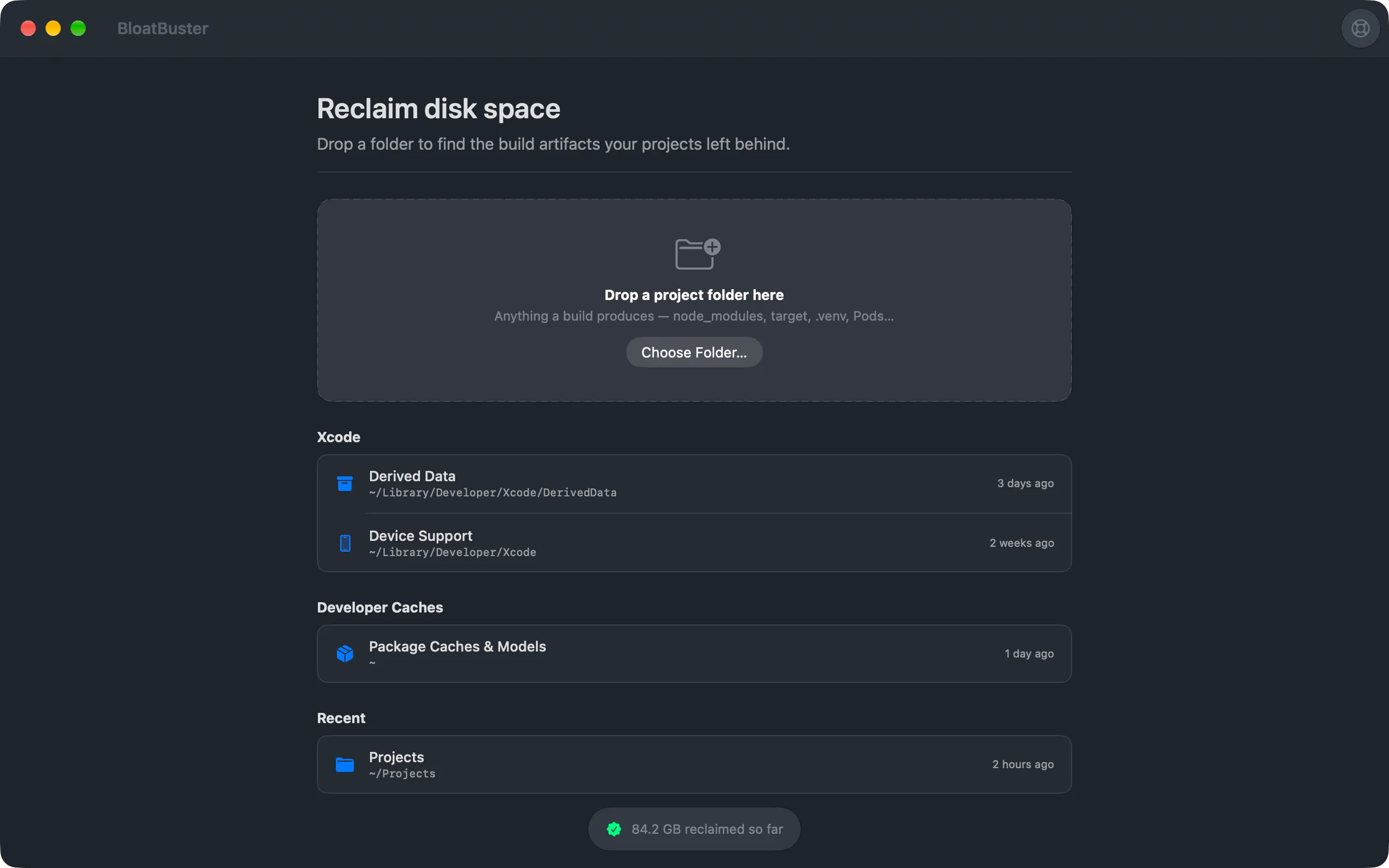
There is no dashboard to learn and no scheduled background sweep. You open it when the disk is full, drop a folder, and close it again — with a running tally of everything you have reclaimed.
- macOS 26.0+
- Apple Silicon
- Sandboxed · no network
-
01 · Drop a folder
-
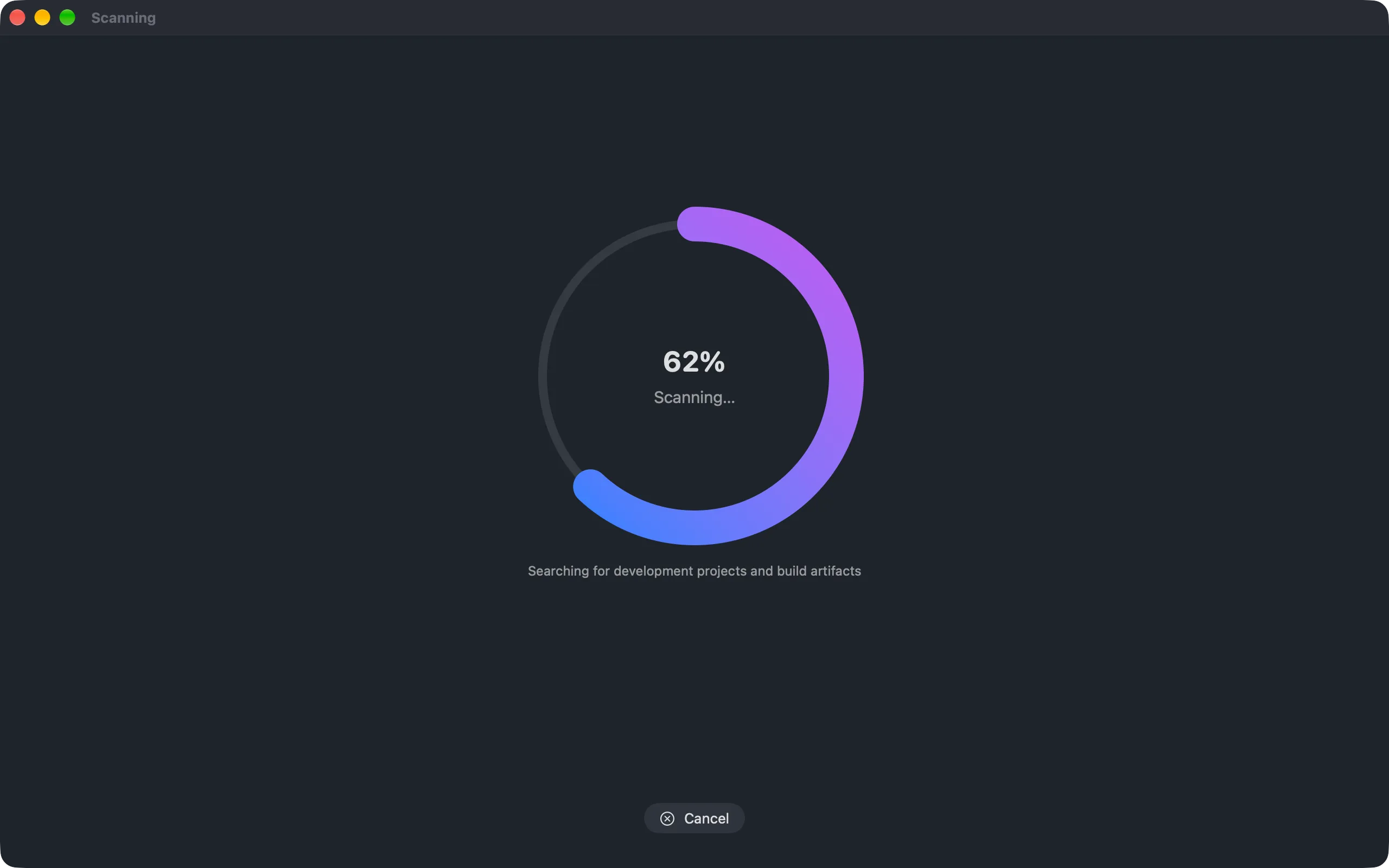
02 · It walks the tree
-
03 · You review the list
-
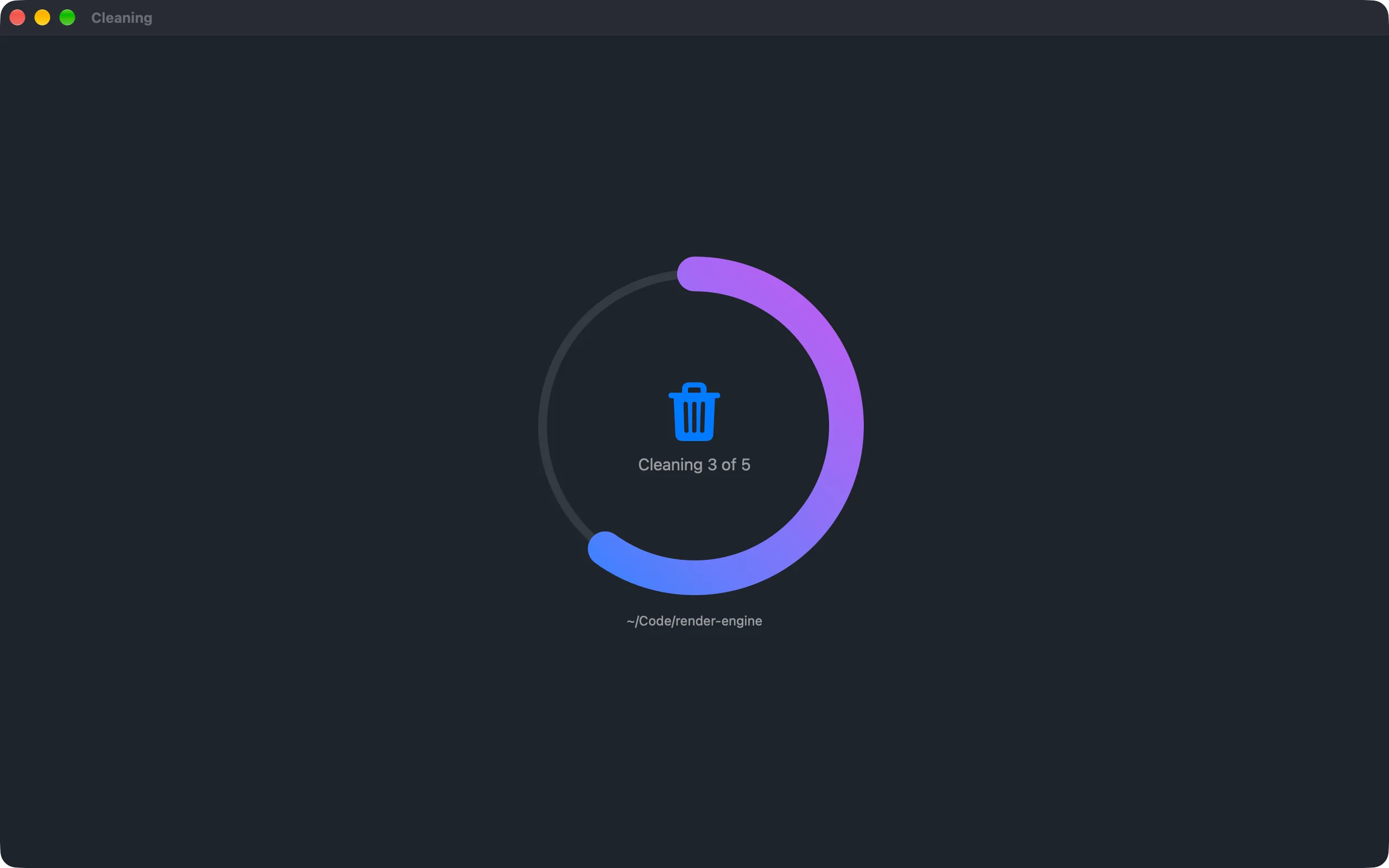
04 · It moves to the Trash
-
05 · You get the disk back
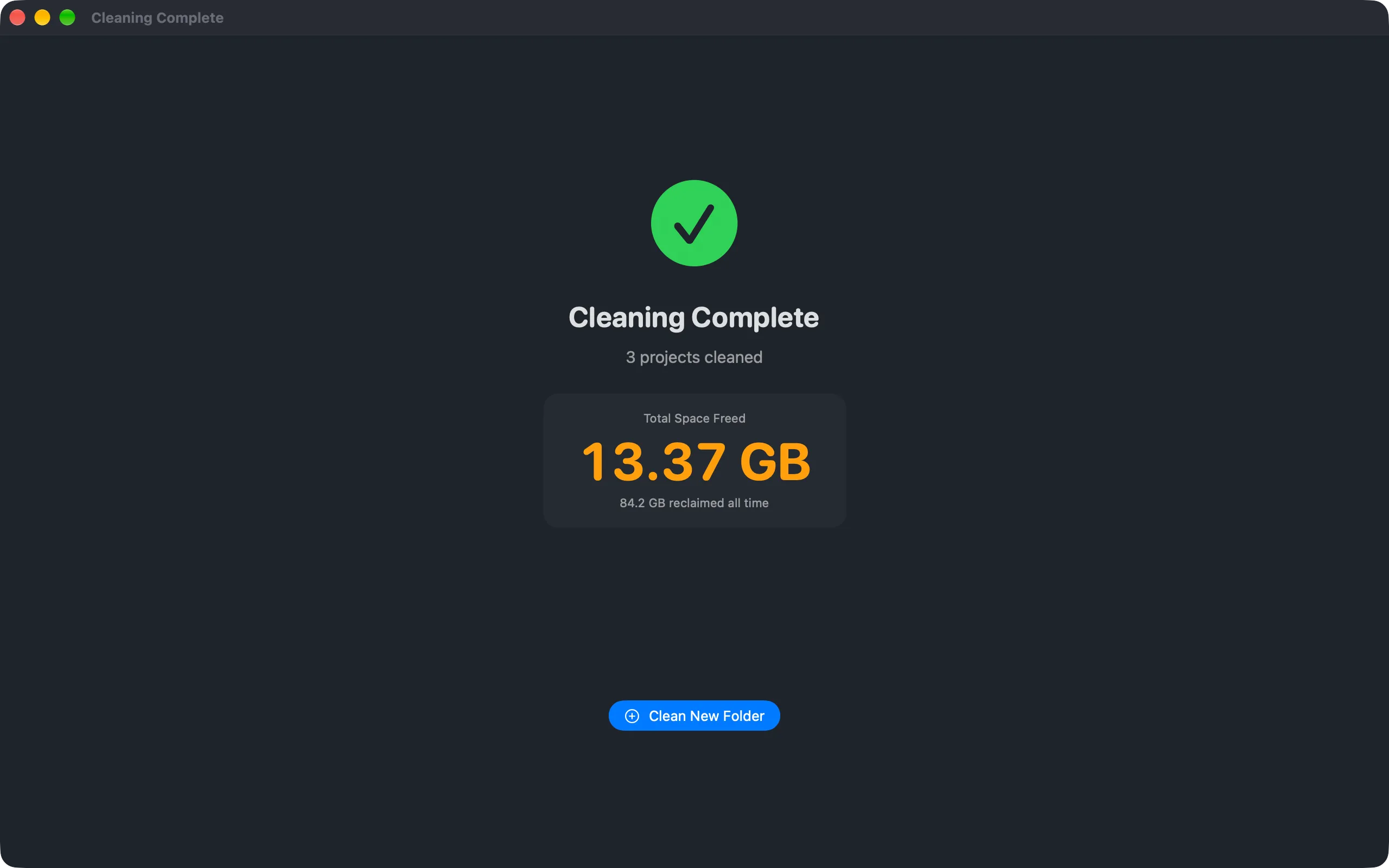
08 · Privacy
It cannot phone home.
- Network entitlement
- NONE
- Analytics
- NONE
- Account required
- NO
- Folders scanned
- ONLY THE ONES YOU DROP
BloatBuster is sandboxed and ships without the network entitlement, so there is no version of it that reports what is on your disk — not a crash log, not an anonymous count, nothing. It sees the folders you drop on it and the workspaces you save, and it keeps its lifetime tally on your Mac.
09 · Pricing
$2.99, once, and that is the whole thing.
No subscription, no in-app purchase, no locked feature waiting behind a second payment. You buy it on the App Store and every Mac on your Apple ID has it.
BloatBuster
One-time- 17 project types, detected by marker file
- Monorepos — nested projects, one drop
- Dependency cache and build output, labelled
- Rebuild command read from your lockfile
- Stale flagging after 90 days untouched
- Saved workspaces and scan exclusions
- Shortcuts and Spotlight action, read-only
- Lifetime reclaimed tally, kept on your Mac
macOS 26.0+ · sandboxed · no network entitlement
What you are not buying
- ✕ A subscription. There is one price and it is paid once.
- ✕ A background agent. Nothing runs when the app is closed.
- ✕ A system optimiser. It cleans build artifacts, and nothing else.
- ✕ An account. There is nowhere to sign in, because there is no server.
10 · FAQ
The honest answers.
- Can it delete my source code?
- No. BloatBuster only lists directories a build produces — target, node_modules, DerivedData and the rest. Source files, lockfiles and .git are never in the list, and nothing is removed until you check a project and confirm.
- What happens if I clean something I needed?
- It is in the Trash. BloatBuster always moves artifacts there rather than deleting them, so you can put them back until you empty it — and every project shows the command that regenerates it anyway.
- Does it need Full Disk Access?
- No. It is sandboxed and reads only the folders you drop on it or pick in the open panel. Saved workspaces are remembered as security-scoped bookmarks, which is macOS granting access to that one folder rather than to your disk.
- Does it clean global caches like ~/.npm?
- No, by design. Those are keyed by package rather than by project, so nothing in them can be attributed to anything you would recognise, let alone reviewed one entry at a time. What BloatBuster lists is what it can show you the origin of.
- Does it work on a monorepo?
- Yes. It looks for projects nested inside the folder you drop, not just at the top level, so one drop covers a whole working directory and each package is listed on its own.
- Can it clean from Shortcuts?
- No. The Shortcuts action reports reclaimable space and nothing else. Cleaning stays in the app behind a confirmation — an automation that deletes gigabytes without a window open is not a feature worth shipping.